
SHAREit
SHAREit is a free Windows app from the SHAREit Team for moving photos, videos and documents between a PC and a phone. The current version is 5.1.0.7.
22.7 MB
yt-dlp is a free, public-domain command-line program for downloading video and audio from YouTube and many other video sites.
Average 0.0 · ratings: 0
Thank you! Your rating is saved; you can change it. Could not save the rating. Please try again later. Too many ratings from your network today. Please try again tomorrow. The average appears after 5 ratings.
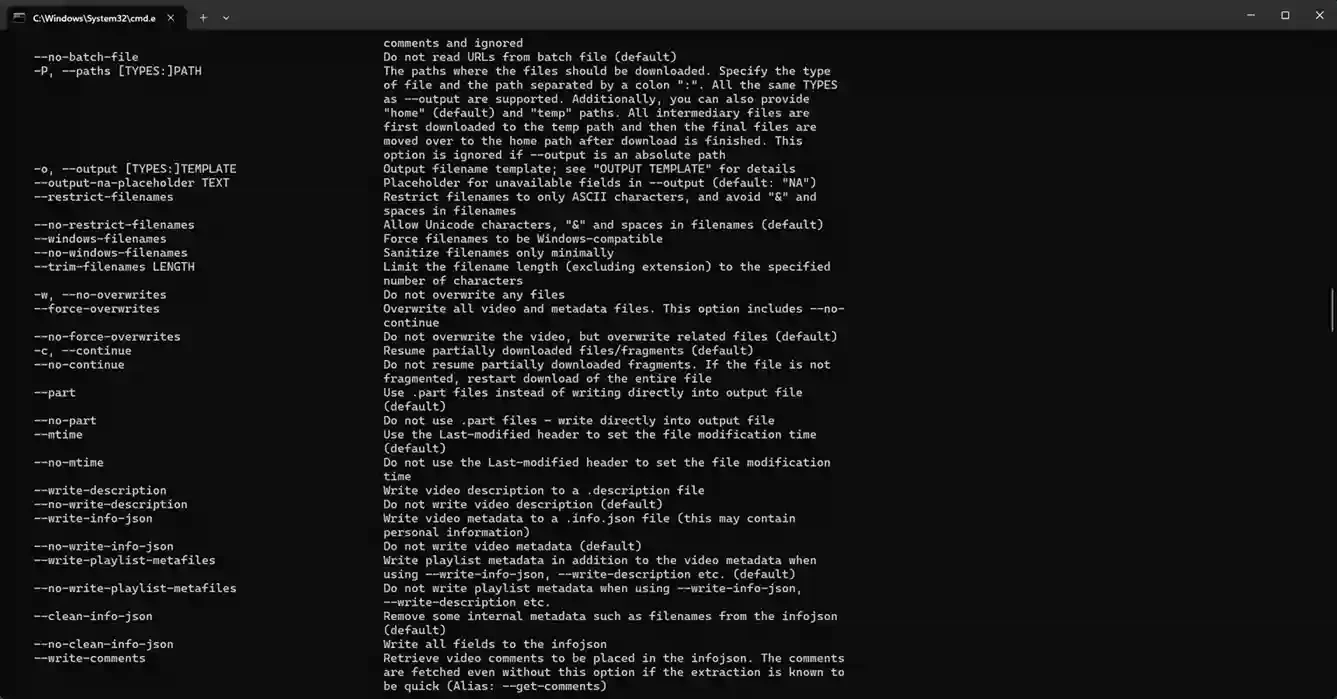
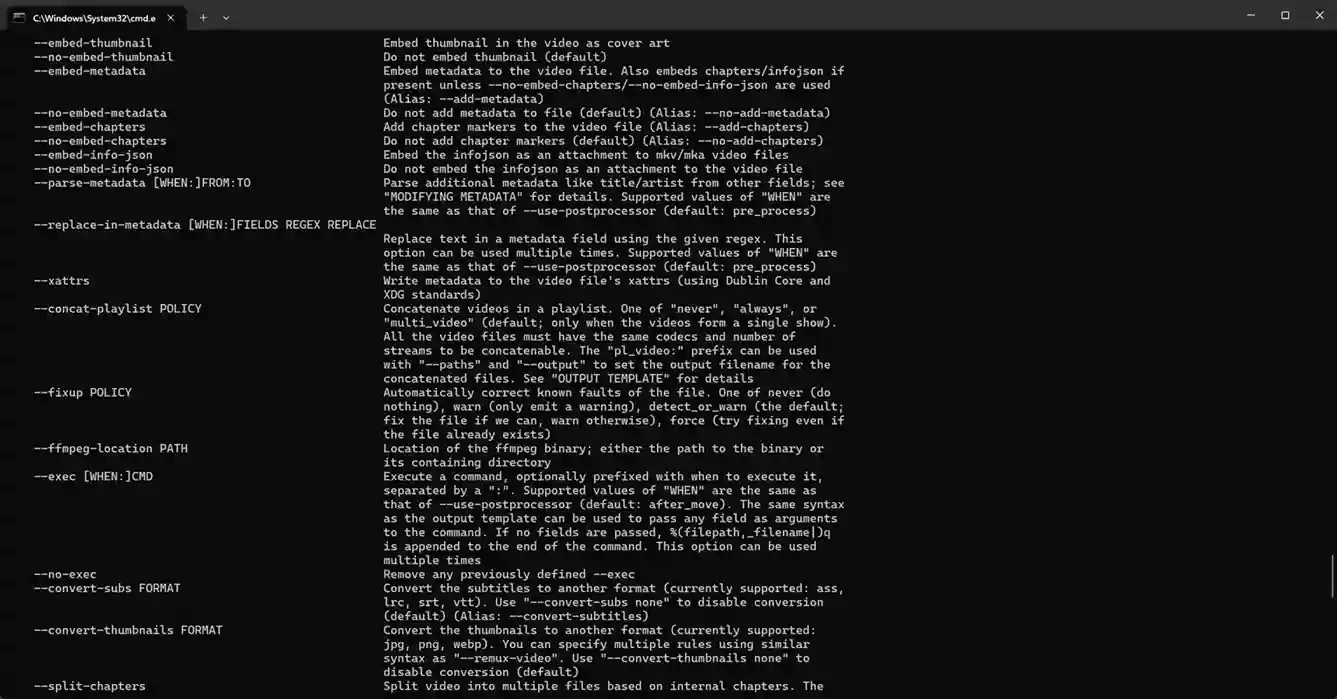
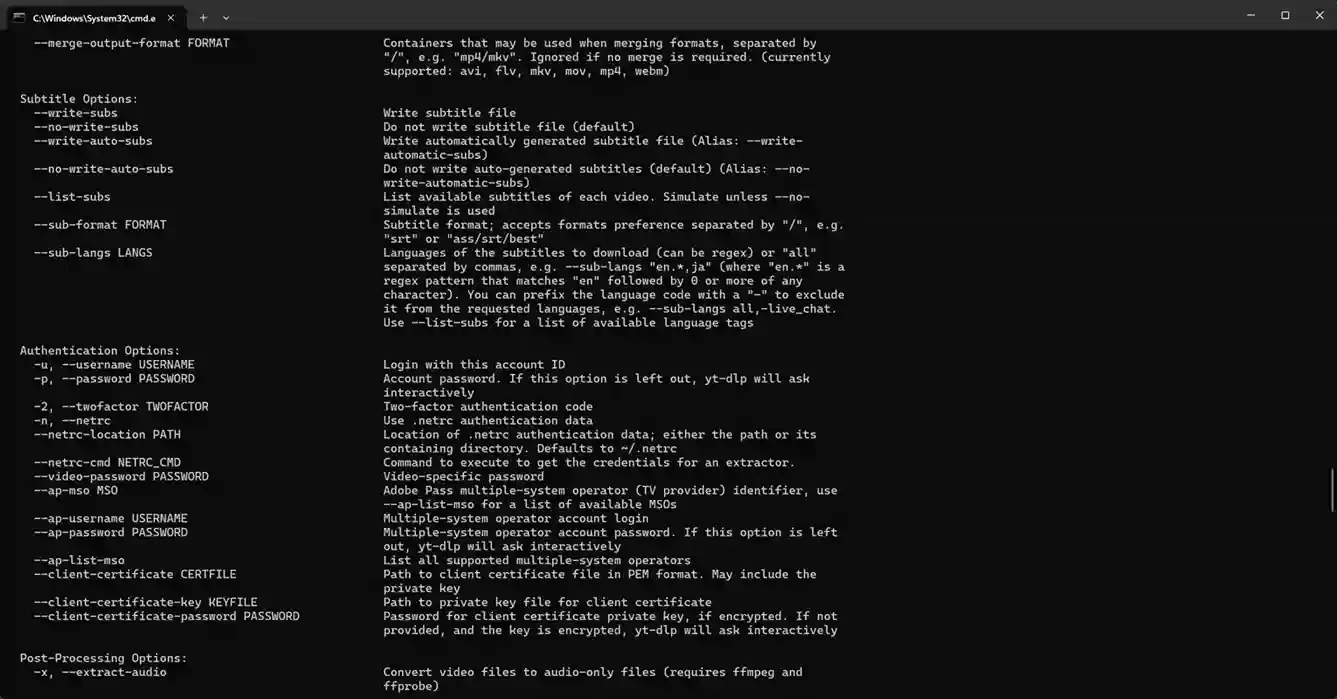
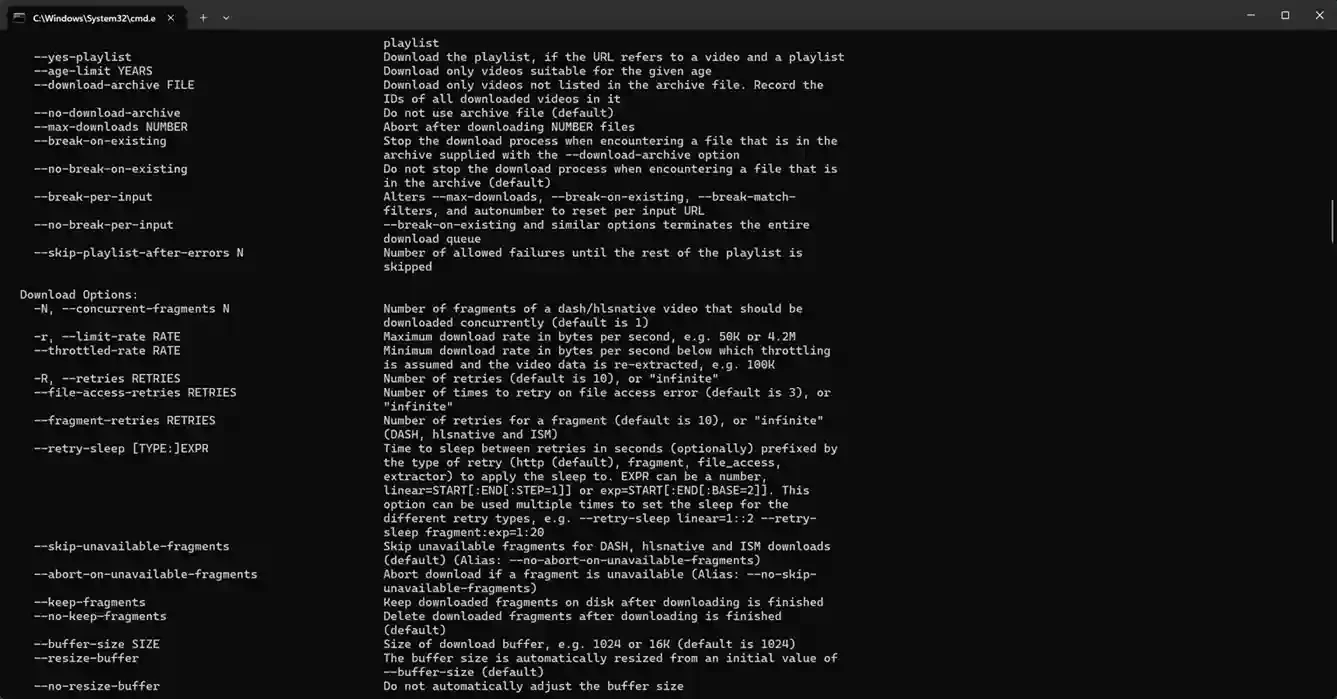
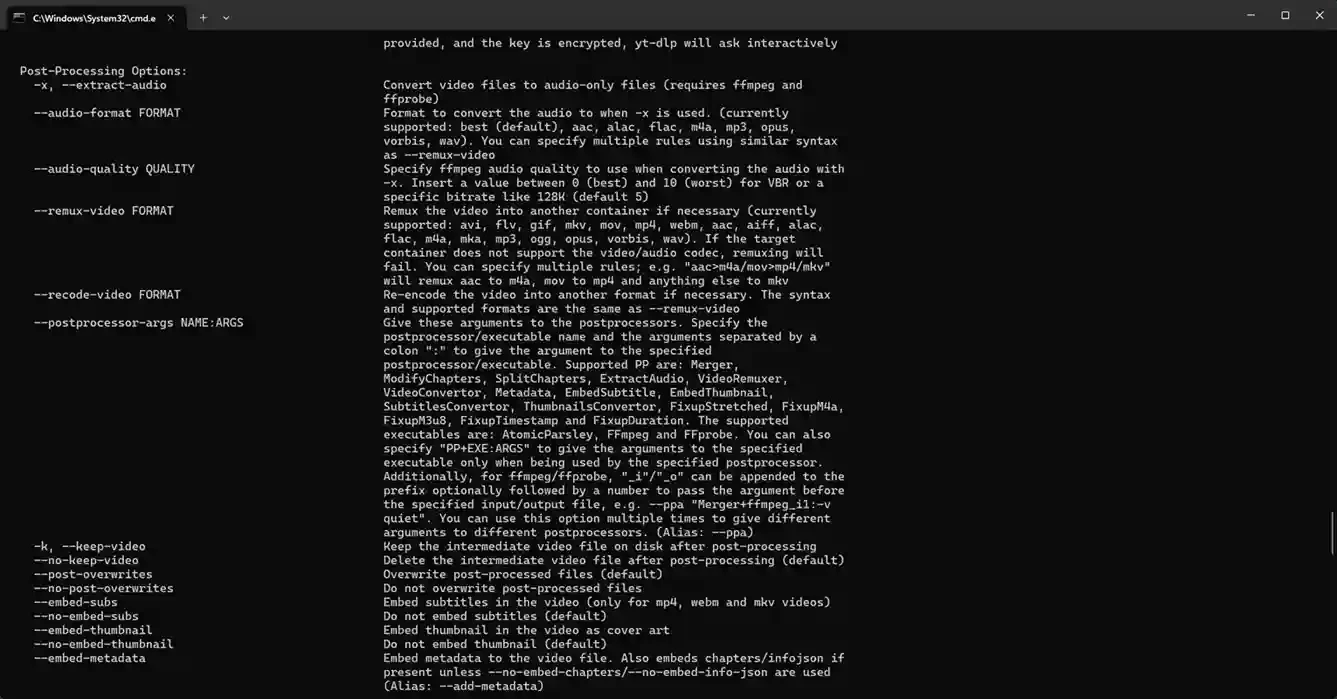
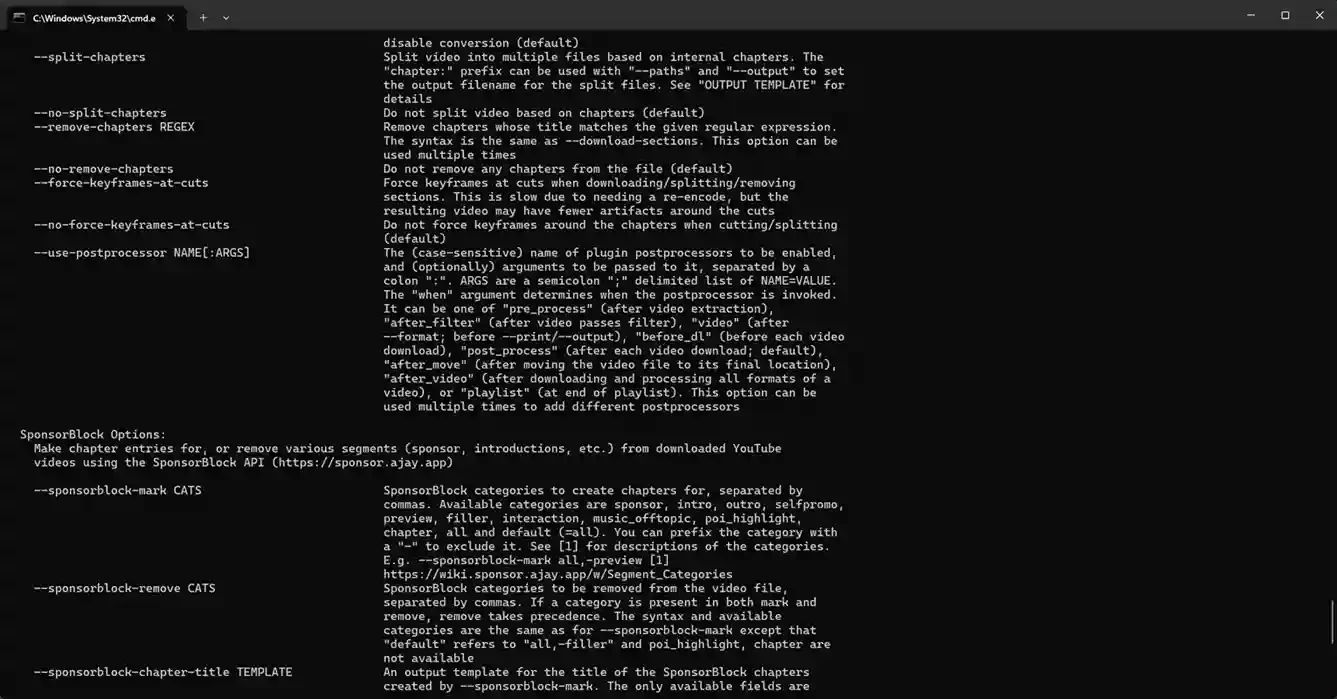
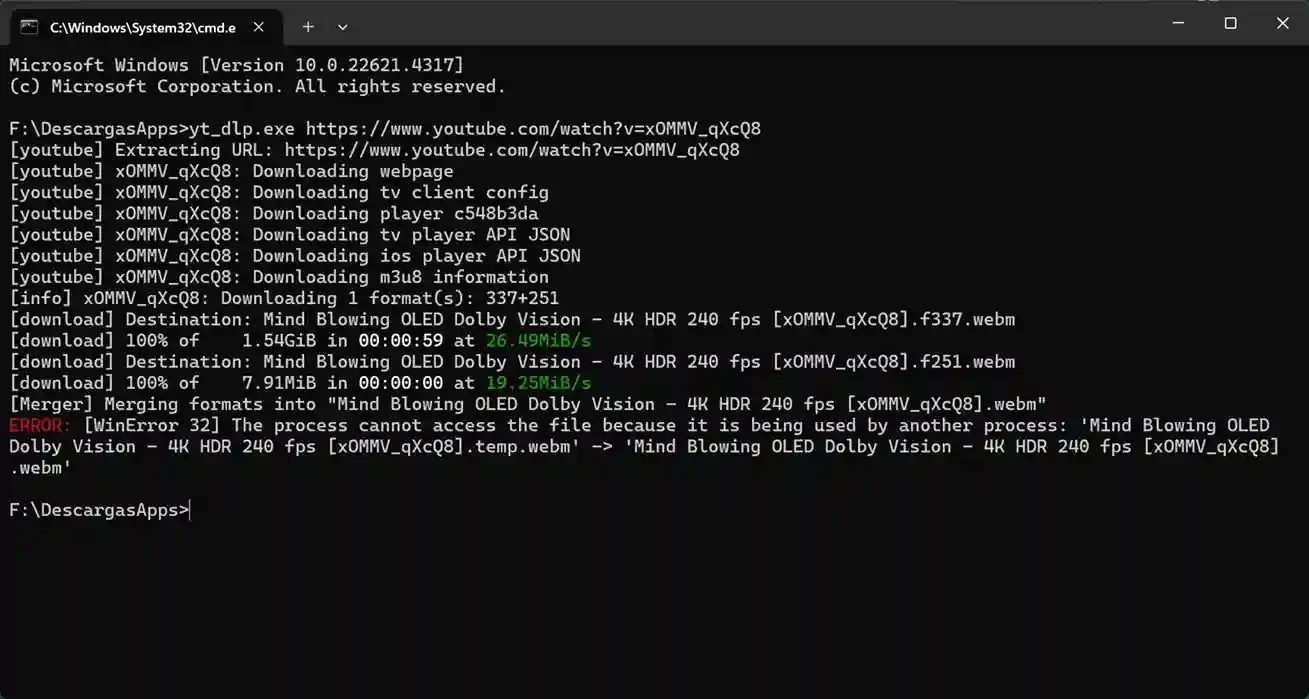
yt-dlp 2026.08.19 is a command-line program for Windows, macOS, Linux and BSD that downloads video and audio from YouTube and other video sites. You can download yt-dlp for Windows free of charge from its official GitHub releases page; it is public-domain software released under the Unlicense.
| Parameter | Value |
|---|---|
| Version | 2026.08.19 (August 19, 2026) |
| Developer | yt-dlp project |
| Type | Command-line download manager, Python package |
| Based on | youtube-dl and youtube-dlc (a fork) |
| Licence | Unlicense, public domain |
| Platforms | Windows, macOS, GNU/Linux, BSD and other Unix-like systems |
| Size | about 12.65 MB according to catalogue data |
yt-dlp grew out of youtube-dl, via the youtube-dlc fork, and is now an independent project with frequent releases: in 2026 alone, new versions came out in March, June, July and August. That pace matters, because video sites change their pages all the time and a downloader that is not updated soon stops working. Unlike programs with a window and buttons, yt-dlp is controlled by typing commands. This makes the first steps harder, but gives precise control: you can choose the format and quality, save only the audio track or run downloads from a script. Once you know a few commands, repeating a download takes seconds.
The project page documents all options and optional dependencies.
Download only content you have the right to save: your own videos, material under a free licence or videos the author allows to download. Respect the terms of the sites you use. Take yt-dlp only from the official GitHub repository; other repositories and sites with similar names may offer modified builds with malware.
If you have never used a terminal, start small. Create a folder for downloads, open PowerShell in that folder and run the program with one link to see what happens. Read the help output to learn the options you actually need, and write down the commands that work for you in a text file. When something breaks after a site update, a newer release usually fixes it, so check the releases page before searching for complex workarounds.
If you prefer a window with buttons, our listings include Stacher, 4K Video Downloader Plus, ClipGrab and Freemake Video Downloader.
SHAREit is a free Windows app from the SHAREit Team for moving photos, videos and documents between a PC and a phone. The current version is 5.1.0.7.

Zapya for Windows is a free file transfer app from DewMobile for moving files between a PC and phones over a local wireless connection.

Easy Connection to Screen is Samsung's Windows app for showing a PC's screen on a compatible Samsung TV over a wireless connection.

Internet Download Manager (IDM) is a shareware download manager for Windows from Tonec that accelerates, resumes and schedules downloads.

uTorrent (μTorrent) is a small BitTorrent client for Windows from Rainberry (BitTorrent Inc) for downloading and sharing files over torrents.

AnyDesk is a remote desktop application for connecting to and controlling another computer over the internet, from a small Windows program.

ShareMe is Xiaomi's free app for sending files between devices without a cable; on Windows the Android app runs only inside an emulator.

Xender is a free file sharing app from the Xender File Sharing Team for sending files between phones and computers over a local connection.